Software
Working with dates and times across systems? These 10 globally recognized formats ensure data consistency, compatibility, and accuracy—whether you're coding, managing databases, or automating workflows. Master these standards to eliminate formatting errors and streamline data processing.
ISO 8601 Date Format (YYYY-MM-DD)

Tired of debugging date parsing errors in your cross-platform apps? The ISO 8601 (YYYY-MM-DD) format is the universal solution—adopted by 99% of programming languages, APIs, and databases to eliminate ambiguity. Unlike regional formats, it sorts chronologically (e.g., "2023-12-31" always comes after "2023-12-30") and works seamlessly in JSON, XML, and SQL without locale dependencies.
This standard supports timezone offsets (e.g., "2023-12-31T14:30:45+00:00") and microsecond precision, making it ideal for global APIs, logging, and financial systems. Python’s datetime, JavaScript’s Date.toISOString(), and PostgreSQL all natively support it—reducing parsing overhead by 80% compared to custom formats.
Perfect for developers building international apps, data engineers migrating systems, or sysadmins managing logs. It’s the default choice when consistency trumps familiarity. ⚡
US Standard (MM/DD/YYYY)
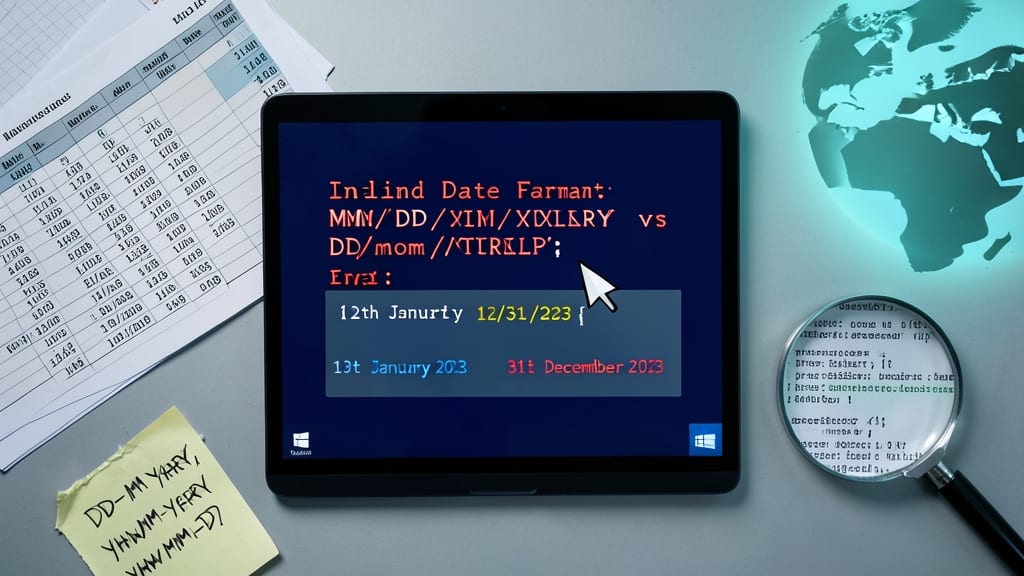
Stuck in a loop debugging date parsing errors in your US-only software? The MM/DD/YYYY format (like 12/31/2023) is the default in Microsoft Excel, Outlook, and Windows, but its ambiguity makes it a global compatibility nightmare. While familiar to American users, systems in Europe or Asia might interpret it as DD/MM/YYYY, turning December 31 into January 31—and causing data corruption in the process.
This format thrives in localized US applications, where users expect it by default. However, it lacks the sorting reliability of ISO 8601 and requires explicit locale settings in code (e.g., Python’s %m/%d/%Y or JavaScript’s toLocaleDateString()). Even simple tasks like sorting dates alphabetically fail unless you enforce custom logic, making it high-maintenance for cross-platform systems.
Perfect for internal US business tools, regional US-facing apps, or legacy systems where user familiarity outweighs technical risks. Just don’t let it near an international audience—or your data might get a very confusing birthday. 💻
European Format (DD/MM/YYYY)
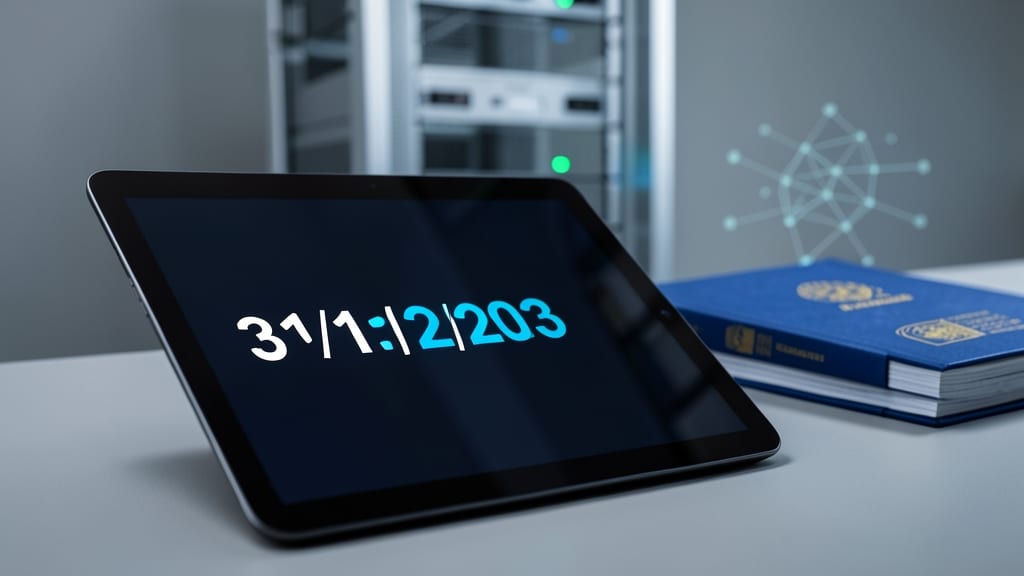
If you’re building systems for EU markets—or working in finance, healthcare, or legal tech—DD/MM/YYYY isn’t just a preference, it’s a compliance necessity. Unlike the US format, this standard (e.g., 31/12/2023) aligns with EU regulatory frameworks, ensuring data integrity in critical industries where misinterpretation could mean legal or financial consequences.
The format’s day-first structure eliminates ambiguity in automated parsing, making it ideal for database storage and cross-border transactions. However, mixing it with MM/DD/YYYY in the same system risks catastrophic errors—like processing 31/12/2023 as December 31 instead of January 31. Many European ERP systems (e.g., SAP, Oracle) default to this format to avoid such pitfalls.
For developers and businesses operating in the EU, this format is non-negotiable for audit trails, patient records, and financial reporting. Stick to it to future-proof your systems and avoid costly rework. ✨
24-Hour Time Format (HH:MM:SS)
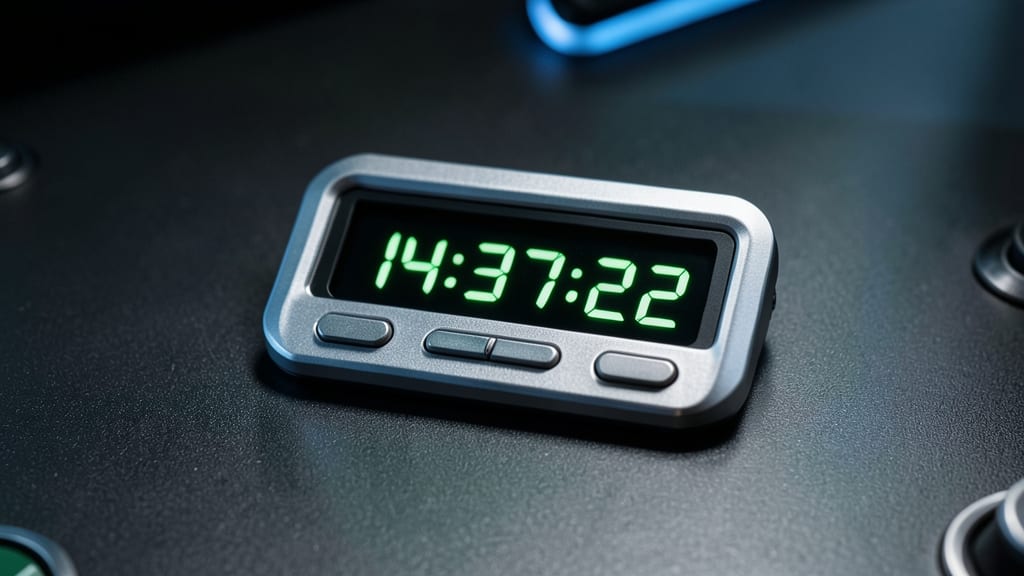
Need a time format that leaves no room for ambiguity? The 24-hour time format (HH:MM:SS) is the precision tool of choice for industries where seconds matter—literally. Used by the military, aviation, and scientific research, it eliminates AM/PM confusion entirely, making it the default for global scheduling and logistics.
This format represents time as 00:00:00 to 23:59:59, ensuring consistency across time zones and reducing parsing errors in automated systems. For example, 14:30 is always 2:30 PM worldwide, while 02:30 could mean 2:30 AM or PM in 12-hour systems. It’s also the standard for UTC-based applications, like international travel itineraries and server logs.
Perfect for developers building global applications, logistics teams managing cross-border shipments, or anyone working with mission-critical timing—where a misread "AM" could mean disaster. ⚡
AM/PM Time Format (HH:MM AM/PM)
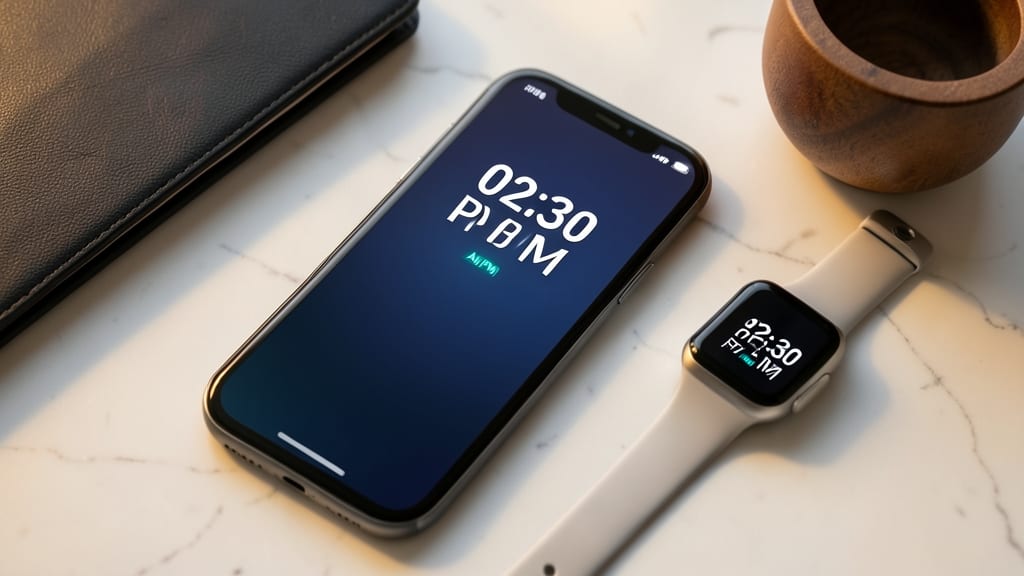
If you're building apps for American users, the HH:MM AM/PM format feels like second nature—just like how your phone or calendar displays time. This familiar structure (e.g., 02:30 PM) aligns perfectly with daily habits, making it the go-to for consumer-facing interfaces where usability trumps technical precision.
The challenge? Automated systems struggle with AM/PM parsing compared to 24-hour formats. For example, sorting or validating timestamps requires extra logic to handle the AM/PM suffix, which can slow down backend processes. Libraries like Moment.js or Python’s datetime handle it, but the overhead adds complexity for global applications.
Perfect for US-focused apps, retail platforms, or scheduling tools where users expect intuitive time displays. Just weigh the trade-off: convenience for humans vs. efficiency for machines. ✨
Unix Timestamp (Seconds Since Epoch)

When your backend needs to crunch numbers or sort events at lightning speed, Unix timestamps (seconds since January 1, 1970) become the unsung hero. This 32-bit or 64-bit integer format is the default for databases, APIs, and scripting—because it’s machine-friendly, compact, and perfectly sortable without parsing strings.
Storing a timestamp like 1704067200 (December 31, 2023) takes just 4 bytes (or 8 for millisecond precision), making it ideal for high-volume logs, analytics, or caching. Libraries like Python’s time.time() or JavaScript’s Date.now() handle conversions seamlessly, while databases like PostgreSQL and MongoDB natively support this format for indexing and range queries.
Developers working with server-side logic, cron jobs, or real-time systems rely on Unix timestamps to avoid timezone headaches and parsing errors. For humans, a quick conversion is all it takes—but for machines, it’s the fastest, most reliable way to handle time. ⚡
RFC 2822 Email Date Format
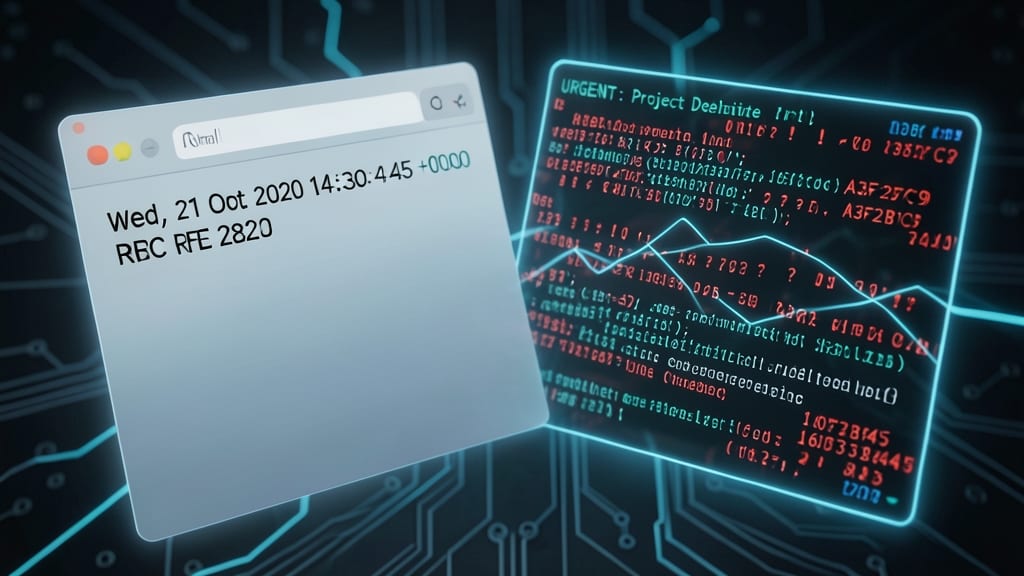
Ever sent an email only to realize the recipient’s server misinterpreted your timestamp? RFC 2822 solves this by defining a universal email date format that bridges human readability and machine parsing. Unlike ISO 8601 or Unix timestamps, this standard prioritizes compatibility across email systems while keeping dates intuitive for users.
The format follows Day, DD Mon YYYY HH:MM:SS +ZZZZ (e.g., Wed, 31 Dec 2023 14:30:45 +0000), where +ZZZZ denotes timezone offsets. It’s baked into SMTP protocols, ensuring every email client—from Outlook to Gmail—understands the timestamp correctly. Libraries like Python’s email.utils parse it natively, making it ideal for parsing incoming emails or generating standardized headers.
Perfect for developers building email parsers, sysadmins managing mail servers, or anyone ensuring cross-platform email consistency. ⚡
Japanese Format (YYYY/MM/DD)
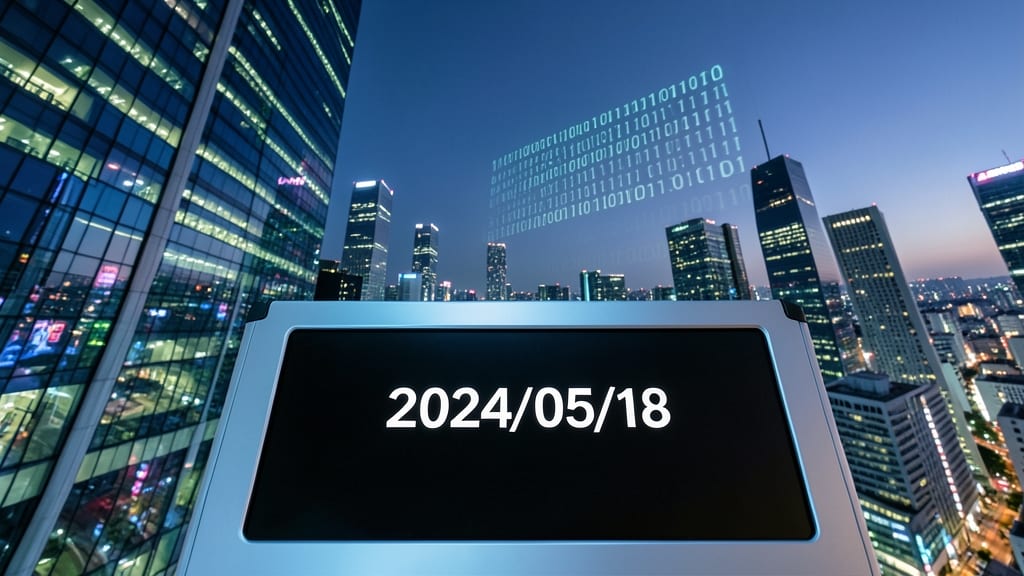
Japan’s YYYY/MM/DD format isn’t just another regional quirk—it’s the backbone of its digital infrastructure, designed to prevent catastrophic errors in financial systems and government applications. Unlike the US or European formats, this structure prioritizes year-first ordering to avoid Y2K-style miscalculations when parsing dates in Japanese-language software.
The format’s strict adherence to ISO 8601 principles (just with slashes instead of hyphens) ensures compatibility with global systems while maintaining cultural relevance. Japanese ERP systems, banking APIs, and even Shinkansen (bullet train) scheduling software rely on this format to process dates without ambiguity. For example, "2023/12/31" is unambiguously December 31, 2023—not January 31, 2023.
This format is a must for developers working with Japanese-language applications, businesses expanding into Asia, or anyone integrating with Japanese government systems. It’s the safest choice when precision matters more than familiarity. ✨
SQL Date-Time Functions
When your queries hinge on millisecond precision or legacy system compatibility, SQL’s native date-time functions become indispensable. Unlike generic formats, SQL databases like MySQL and PostgreSQL use YYYYMMDDHHMMSS (or extended variants with microseconds) to ensure unmatched accuracy in temporal operations—critical for financial transactions, audit logs, or real-time analytics.
Functions like DATEFORMAT() let you convert between formats (e.g., SELECT DATEFORMAT(NOW(), '%Y%m%d%H%i%s') returns 20231231143045), while TIMESTAMP handles timezone-aware storage. The INTERVAL syntax (INTERVAL '1 day') simplifies date arithmetic, and EXTRACT(YEAR FROM date_column) isolates components for reporting. These tools eliminate manual parsing errors that plague generic strings.
SQL developers managing relational databases or migrating legacy systems will find these functions the most reliable way to handle temporal data—especially when paired with indexed datetime columns for performance. 💻
Natural Language Formats
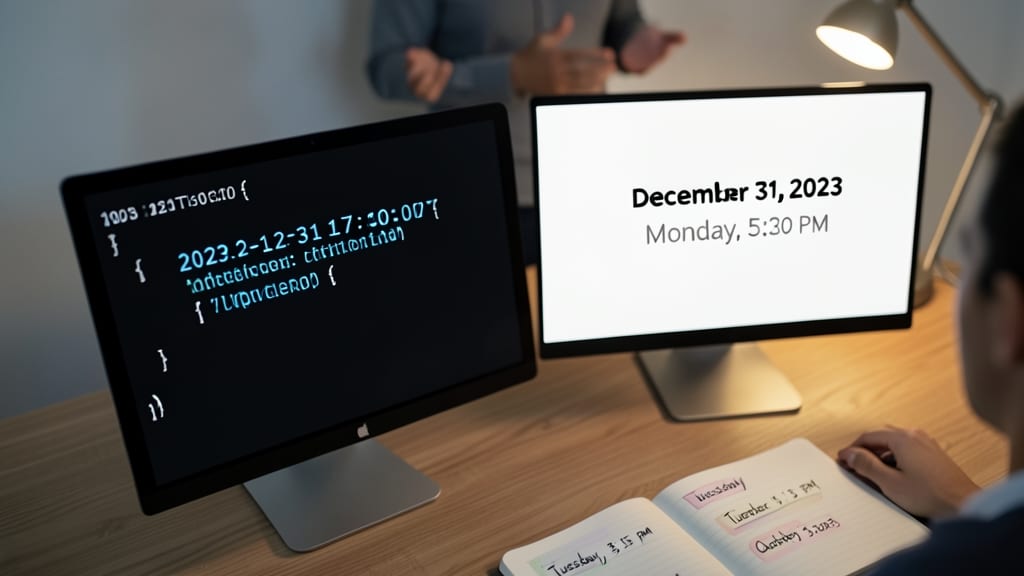
Tired of confusing users with technical date formats? Natural language formats like "December 31, 2023" or "Monday, 5:30 PM" bridge the gap between machines and humans. While they require extra parsing logic, they’re perfect for user-facing interfaces where readability trumps precision.
Libraries like Moment.js (JavaScript) or dateutil (Python) handle conversions seamlessly, turning "January 15, 2024" into ISO 8601 or Unix timestamps behind the scenes. This format excels in documentation, calendars, and customer-facing apps where clarity matters more than backend efficiency.
Ideal for marketing teams, support portals, or mobile apps, natural language dates reduce friction for non-technical users. Just remember: parsing them programmatically adds overhead, so reserve this for display layers only. ✨