
PowerPoint
Need professional tri-fold brochures fast? These 10 Microsoft Office-compatible PowerPoint templates let you design stunning marketing materials without graphic design skills—all ready for customization and printing.
Modern Corporate Tri Fold Brochure Template
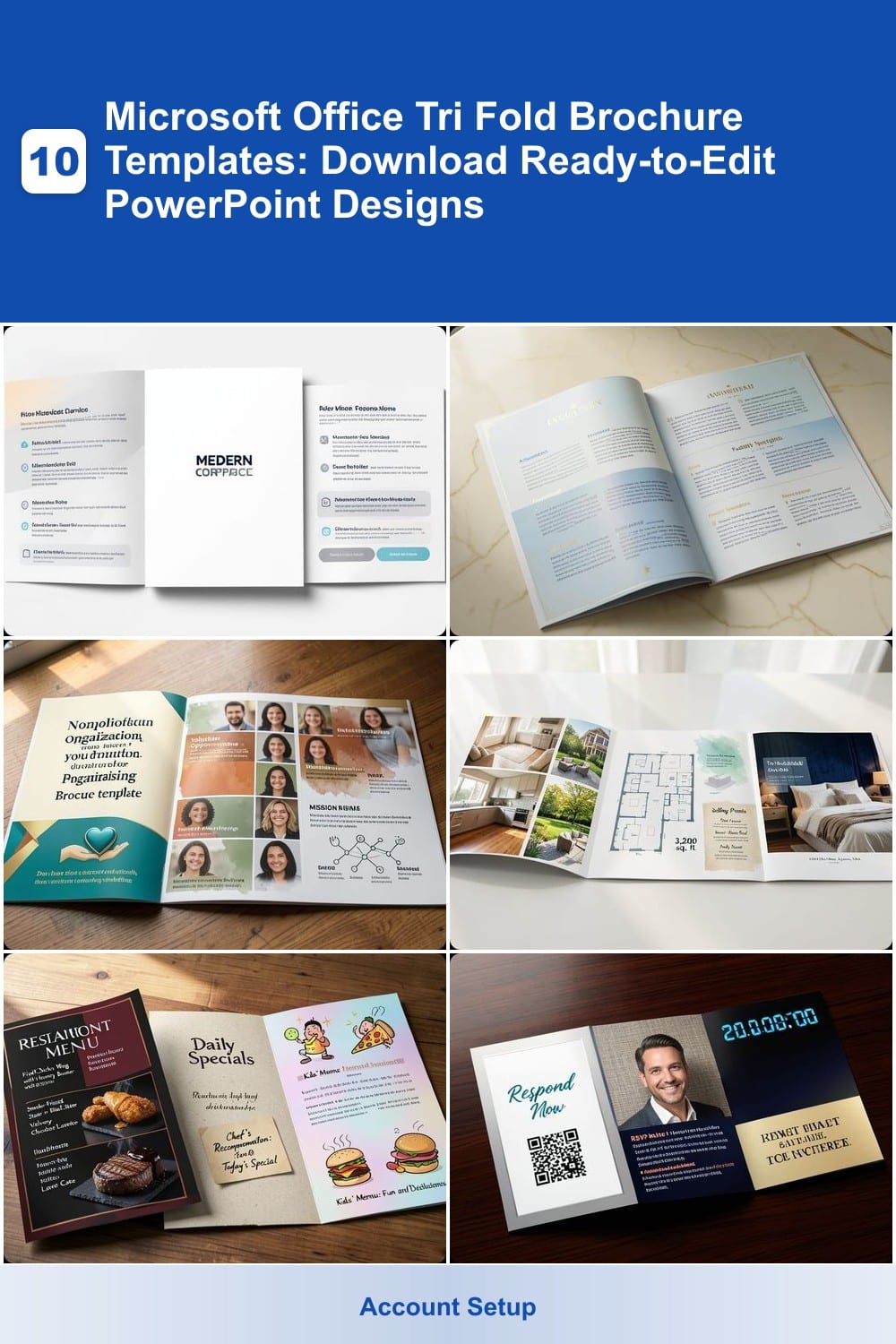
First impressions matter—and this Modern Corporate Tri Fold Brochure Template ensures yours is polished, professional, and ready in minutes. Designed for business professionals, it combines a clean minimalist aesthetic with strategic space for logos, taglines, and key service details, all while maintaining a sleek, high-impact layout.
The template features a dark blue and white color scheme (proven to convey trust and authority) alongside geometric shapes that add subtle sophistication without clutter. Pre-formatted sections include dedicated panels for company logos, executive summaries, and product/service highlights, all optimized for PowerPoint’s slide master to ensure consistency. Simply replace placeholder text and images with your brand assets—no design skills required.
Perfect for corporate teams, marketing agencies, or consultants who need to hand out materials that instantly communicate credibility. Whether you're pitching to clients or introducing your brand at a trade show, this template turns basic details into a battle-tested setup. ⚡
Educational Institution Brochure Template
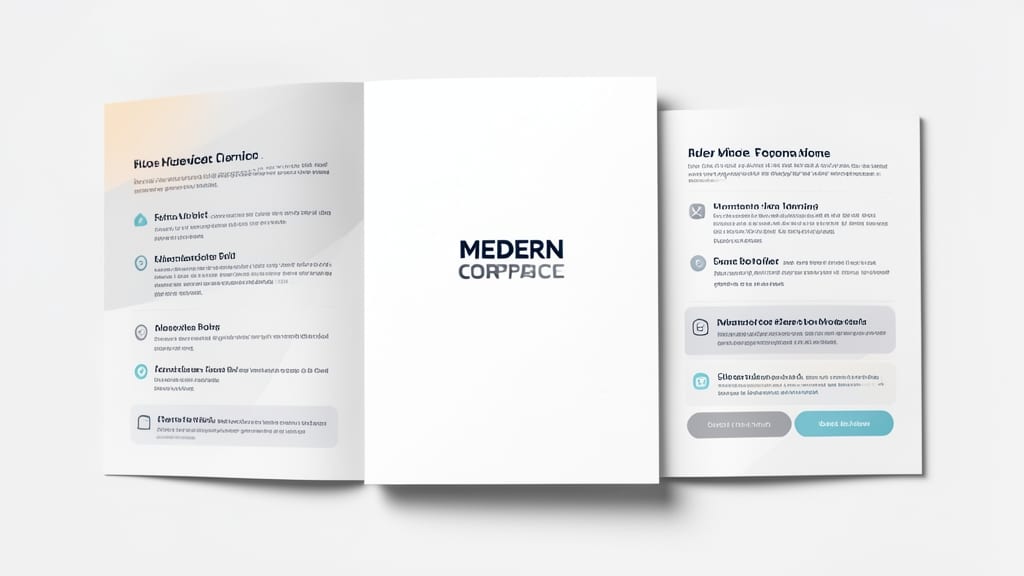
Need to showcase your school’s academic excellence without the design hassle? This Educational Institution Brochure Template is tailored for universities and colleges, featuring a pastel blue and gold color palette that instantly conveys academic prestige. Pre-formatted sections make it easy to highlight degree programs, faculty credentials, and enrollment deadlines—all while maintaining a professional, inviting layout.
The template includes dedicated panels for program details, faculty bios with credentials, and enrollment callouts to drive student interest. Academic icons (like diplomas and books) add visual cues, while the tri-fold structure ensures key information is front and center. Simply replace placeholder text with your institution’s details—no design skills required.
Perfect for universities, community colleges, and private schools looking to attract students with polished, print-ready materials. Whether you're promoting new programs or highlighting faculty achievements, this template turns basic details into a compelling academic showcase. ✨
Nonprofit Organization Fundraising Brochure
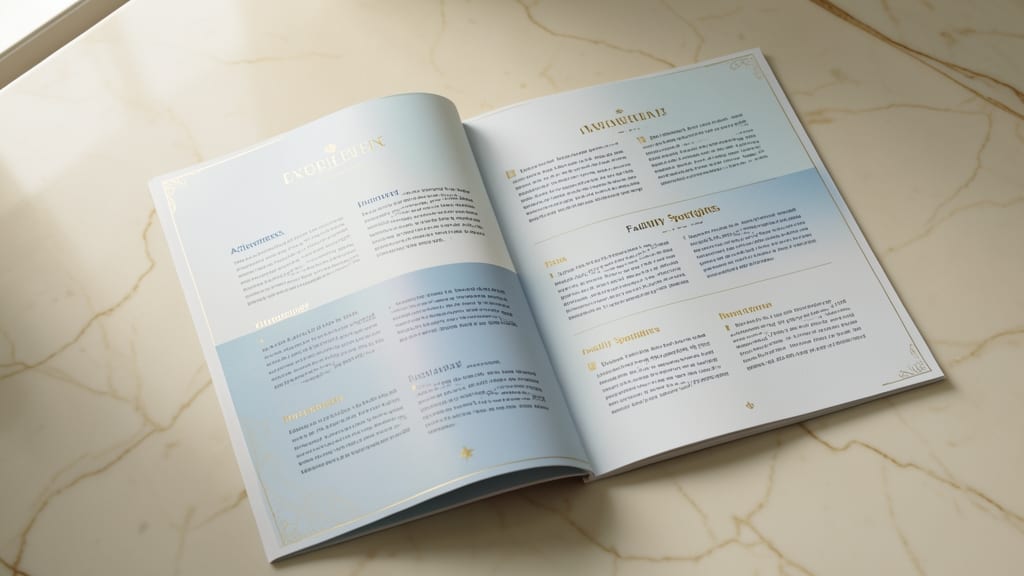
Turn passion into action with this Nonprofit Organization Fundraising Brochure template, crafted to inspire donors and volunteers with every detail. The design prioritizes emotional storytelling, featuring dedicated sections for mission statements, donation callouts, and volunteer opportunities—all while maintaining a clean, professional layout.
Key features include pre-built donation buttons with QR codes for easy giving, hand-drawn icons to highlight opportunities, and warm color palettes that evoke trust and urgency. The template also includes a testimonials section to showcase real impact, ensuring your message resonates deeply with supporters. Simply replace placeholder text with your organization’s story and visuals to create a compelling call to action.
Perfect for nonprofits, charities, and community groups looking to boost engagement and funding—this template makes it easy to communicate your mission while driving tangible support. ✨
Real Estate Property Brochure Template
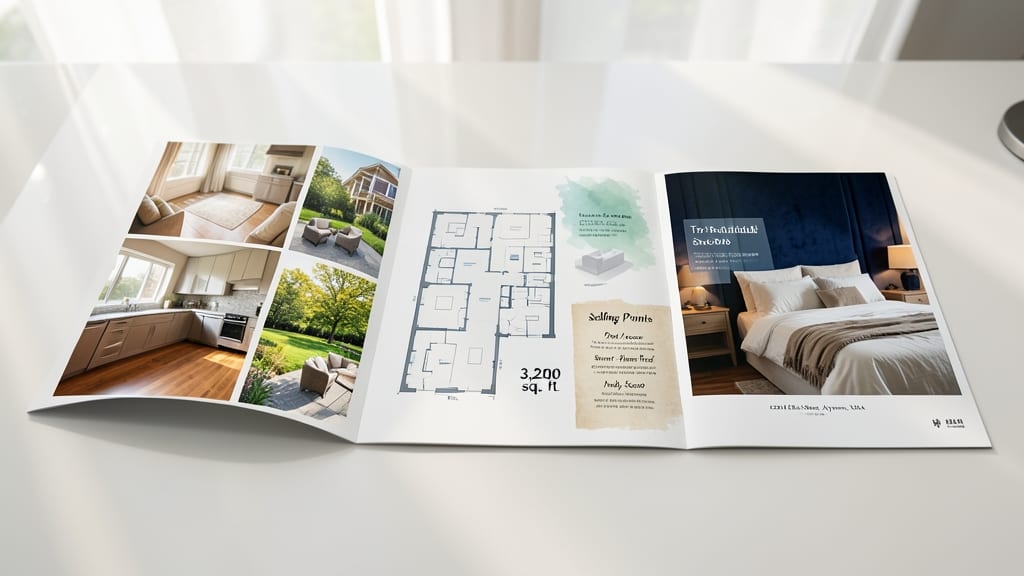
Selling properties just got easier with a real estate tri-fold brochure template designed to highlight every detail buyers care about. This template includes dedicated sections for high-resolution property photos, interactive floor plans, and key selling points like square footage, neighborhood amenities, and pricing—all in a sleek, professional layout.
The PowerPoint-compatible design features pre-formatted text boxes for property descriptions, a drag-and-drop floor plan graphic, and placeholder images that you can replace with your own listings. Neutral color schemes (beige, navy, or cream) ensure the focus stays on the property, while elegant typography keeps the presentation polished. Plus, it’s optimized for print-ready quality with bleed settings included.
Perfect for real estate agents, developers, and property managers looking to make listings stand out. Whether you're showcasing a luxury condo or a cozy starter home, this template turns basic details into a compelling visual story. ✨
Restaurant Menu Brochure Template
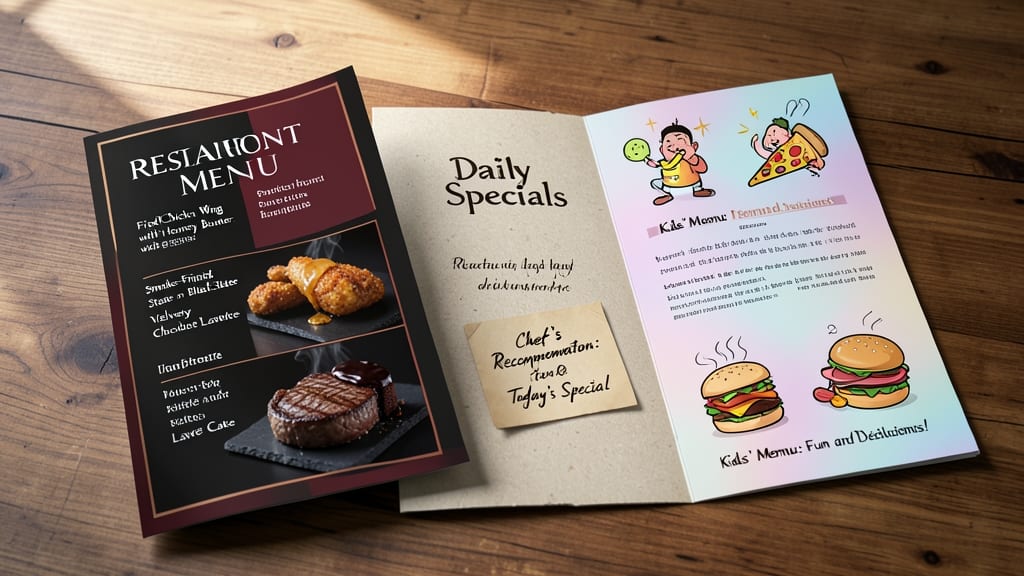
Tired of generic menus that blend into the background? This Restaurant Menu Brochure Template transforms your offerings into a mouthwatering visual experience—literally. Designed for PowerPoint, it blends a classic menu layout with eye-catching promotional panels to showcase daily specials, chef’s recommendations, and contact details in one sleek package.
With pre-formatted sections for appetizers, mains, and desserts, you can easily swap placeholder images with your own high-res food photography. The template includes dedicated space for QR codes (linking to online reservations or menus) and a reservations/contact panel to drive engagement. Plus, the warm red and gold color scheme instantly elevates your brand’s aesthetic, making it perfect for fine dining or casual eateries alike.
Ideal for restaurants, cafés, and food trucks, this template ensures your menu stands out—whether handed to guests or displayed on tables. Ready to edit in PowerPoint or Google Slides, it’s your secret weapon for turning browsers into diners. ✨
Event Promotion Tri Fold Template
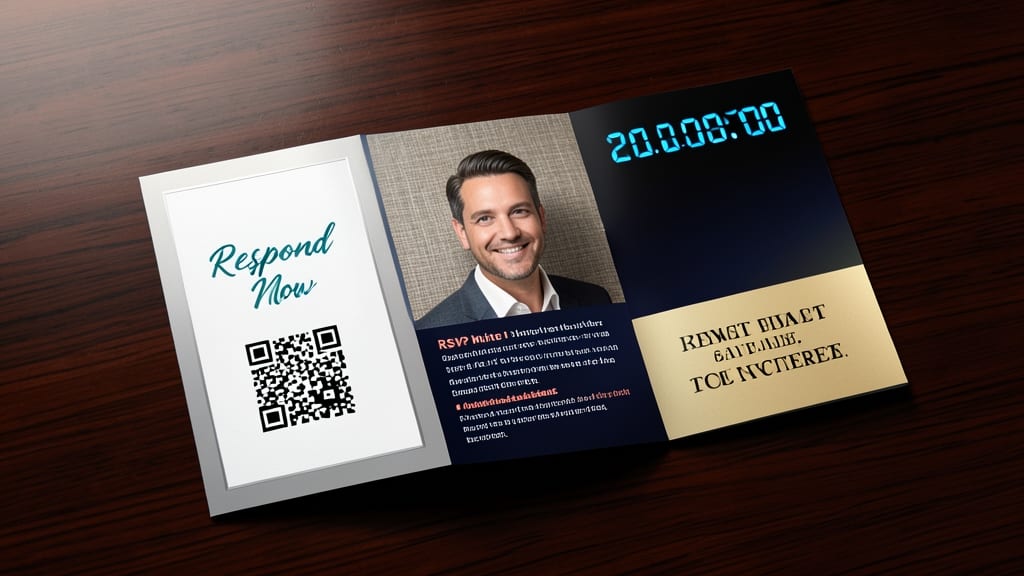
Planning a conference, wedding, or concert? This Event Promotion Tri Fold Template turns hype into action with built-in urgency tools. The design includes dedicated RSVP sections (with QR code placeholders for digital responses), speaker highlight panels for keynote bios, and countdown timers that create FOMO—all pre-formatted for PowerPoint’s animation tools.
The template’s three-panel layout balances visuals and text: the left panel anchors with event branding, the center folds out to showcase speakers or venue details, and the right panel drives conversions with ticket links or registration buttons. Color schemes shift from bold gradients for headers to neutral backgrounds for text, ensuring readability while keeping the vibe festive.
Perfect for event planners, wedding coordinators, or concert promoters who need to convert interest into attendance—without design headaches. Just swap in your logos, dates, and speaker headshots, then print or share digitally. ✨
Product Catalog Brochure Template
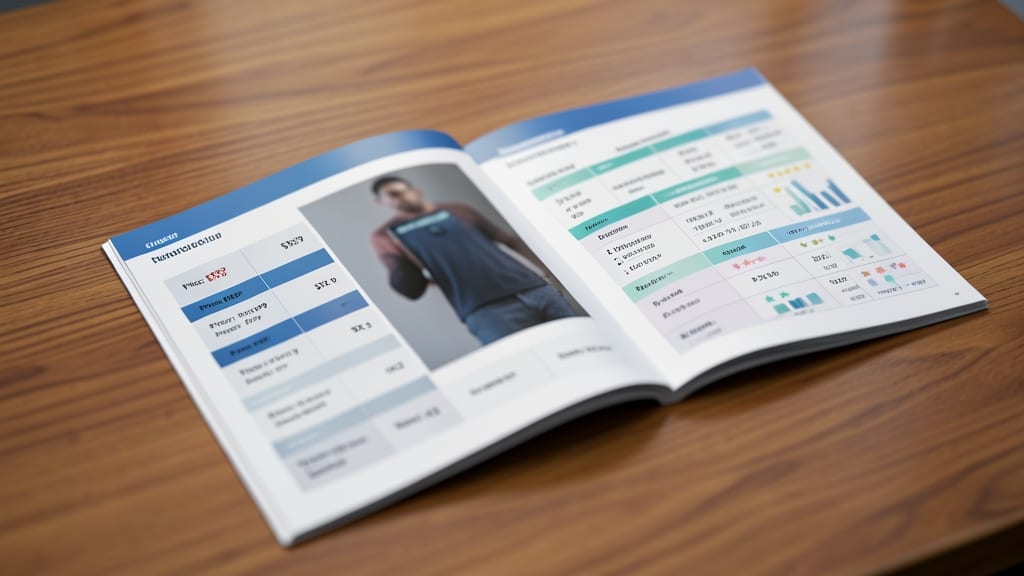
Struggling to organize your inventory into a visually appealing catalog? The Product Catalog Brochure Template simplifies the process with pre-built pricing tables, high-resolution image placeholders, and comparison charts—perfect for e-commerce stores or retail displays.
This template includes modular product sections for easy customization, ensuring your items stand out with crisp typography and professional spacing. The drag-and-drop layout in PowerPoint lets you rearrange elements without design hassles, while built-in color schemes (like green/black or neutral tones) keep it sleek and brand-aligned. No need for complex tools—just plug in your details and print.
Ideal for small businesses, online sellers, or trade shows, this template turns your product list into a polished, sales-ready brochure in minutes. ✨
Healthcare Clinic Brochure Template
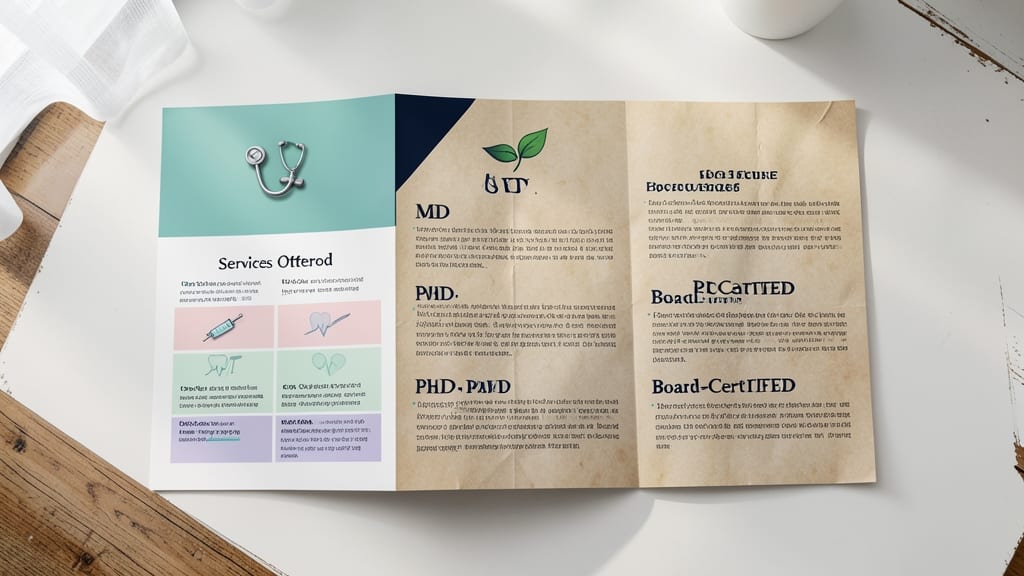
Building trust with patients starts with clear, professional communication—and this Healthcare Clinic Brochure Template makes it effortless. Designed specifically for medical practices, it includes dedicated sections for services offered, doctor bios with credentials, and a prominent insurance acceptance list to reassure visitors upfront.
The template uses a calming blue and white color scheme (proven to reduce patient anxiety) with medical icons like stethoscopes and crosses for instant credibility. Pre-formatted tables let you highlight specialties, while a clean layout ensures key information stands out—no design skills required. Simply swap in your clinic’s photos and details to create a polished, patient-friendly brochure in minutes.
Perfect for family practices, specialty clinics, or dental offices, this template helps convert first-time visitors into confident patients. ✨
Creative Portfolio Tri Fold Template
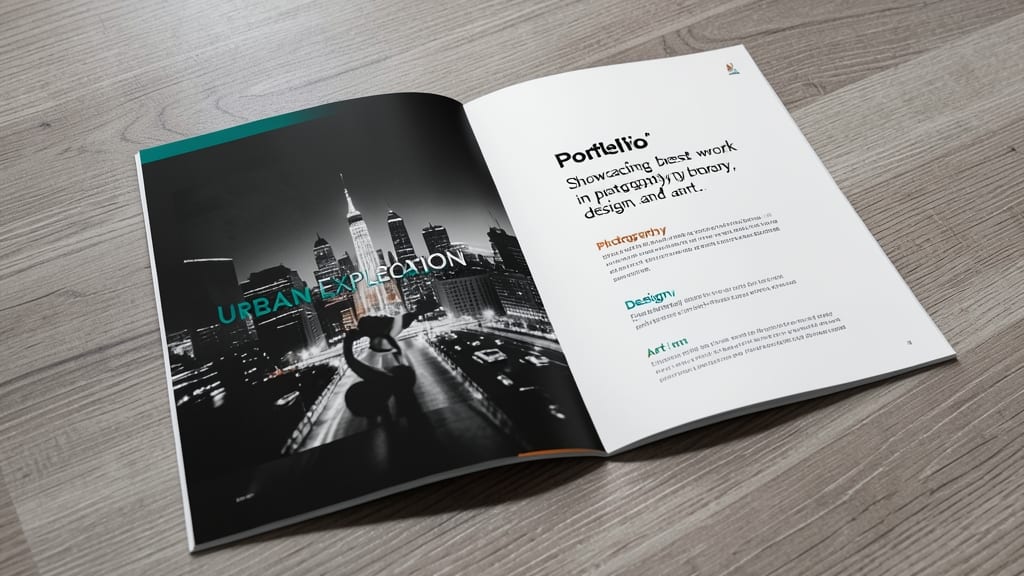
Turn heads at your next portfolio review with this Creative Portfolio Tri Fold Template, designed to let your work speak for itself. The clean, split-panel layout ensures bold visuals take center stage while keeping text minimal—perfect for photographers, designers, and artists who want to make an impact.
Featuring high-contrast typography for project titles and placeholder sliders for your best work, this template makes it easy to swap in your own images. The dark charcoal background adds sophistication, while the asymmetrical grid keeps the design dynamic and engaging. No design skills required—just drag, drop, and customize.
Ideal for freelancers and creative professionals, this template ensures your portfolio brochure leaves a lasting impression—whether you're handing it out at a networking event or showcasing your work online. ✨
Simple One-Page Business Card Brochure
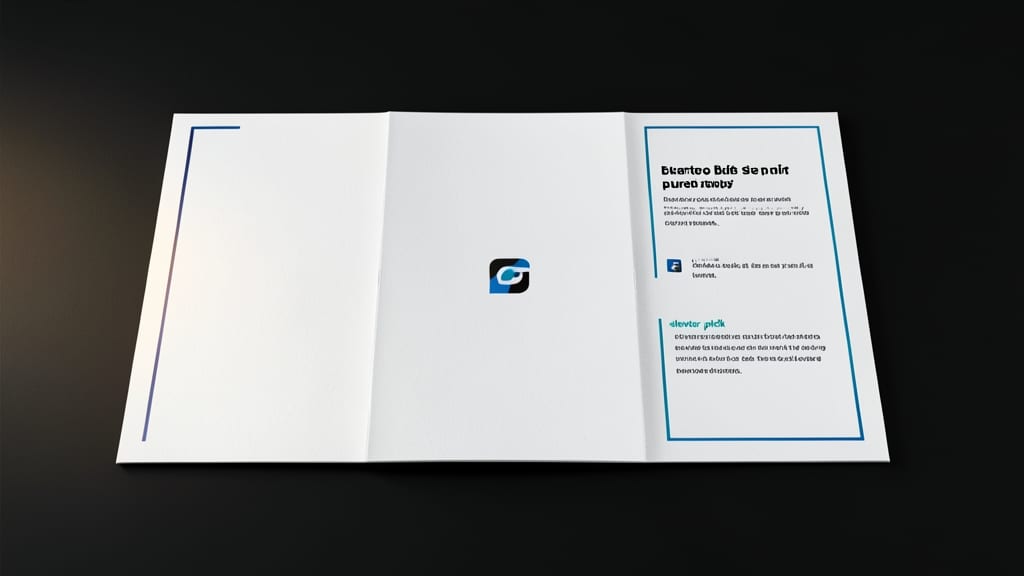
Struggling to make your startup memorable without a bloated portfolio? This one-page tri-fold business card brochure solves that with a zero-clutter design that fits your brand on a single panel—no fluff, just impact.
Packed into a tri-fold PowerPoint template, it includes a dedicated elevator pitch section, QR-code-ready social media links, and a contact block that looks polished enough for investors. The minimalist layout ensures your logo and key messaging stand out, while the print-ready bleed settings guarantee sharp edges every time.
Perfect for bootstrapped founders, freelancers, or small teams who need a professional first impression without the overhead of a full brochure. Just drop in your details and print—no design skills required. ✨