
PowerPoint
High school students looking to ace presentations can leverage Microsoft Office tools to create visually stunning, professional-grade PowerPoint assignments. These 10 project ideas showcase creativity, technical skills, and real-world application—perfect for impressing teachers and standing out in class.
Interactive Historical Timeline Presentation
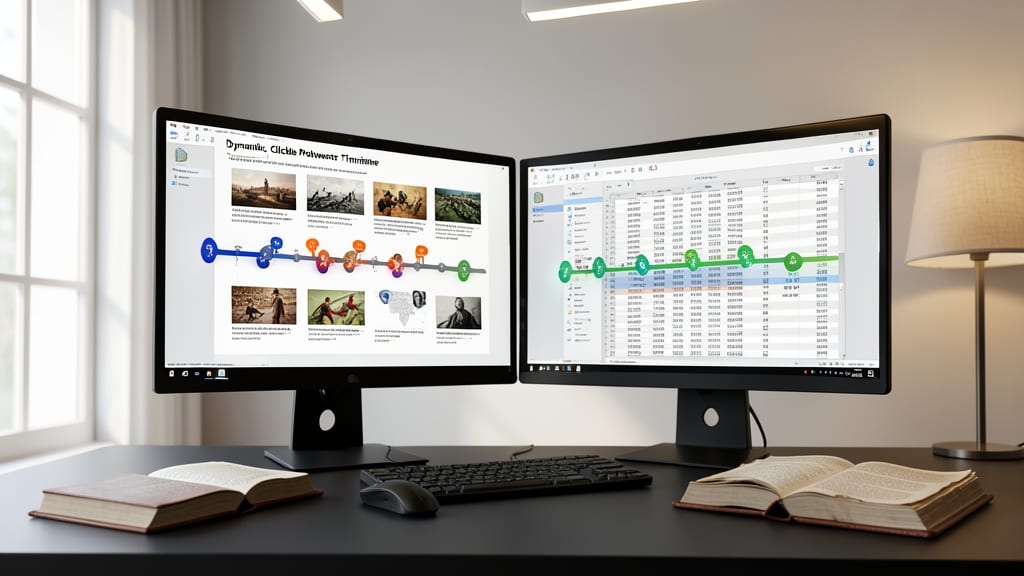
Turn a standard history assignment into an unforgettable experience with an interactive timeline that brings events to life. Instead of static slides, use PowerPoint’s Morph transitions and Excel’s data tables to create a dynamic, clickable timeline where users can explore key moments with a single click.
Start by organizing your data in Excel—list events, dates, and descriptions in columns. Then, import the data into PowerPoint and use slideshow triggers to animate each event as it appears. Add embedded videos (like historical footage) or hyperlinks to primary sources for deeper engagement. The result? A multimedia story that’s far more engaging than a traditional presentation.
Perfect for history buffs or students who want to impress with tech-savvy storytelling. 💡
Science Project Infographic Poster

Turn lab notes into eye-catching visuals with PowerPoint’s smart shapes, icons, and data visualization tools. Instead of drowning in dense text, you can present DNA sequences as colorful helices, chemical reactions as step-by-step flowcharts, or experimental results as dynamic bar graphs—all while keeping your teacher’s attention.
Start with PowerPoint’s built-in infographic templates (like the "Process" or "Comparison" layouts) to save time. Use Excel’s chart tools to import raw data, then embed them directly into slides. Add custom icons from Flaticon or PowerPoint’s built-in library to highlight key concepts, and apply color themes that match your project’s subject (e.g., blues for biology, reds for chemistry).
This project shines for science fair presentations or class research assignments where clarity matters most. Teachers love when complex ideas are broken down visually—plus, you’ll build skills useful for college lab reports or future STEM careers. ✨
Business Plan Pitch Deck
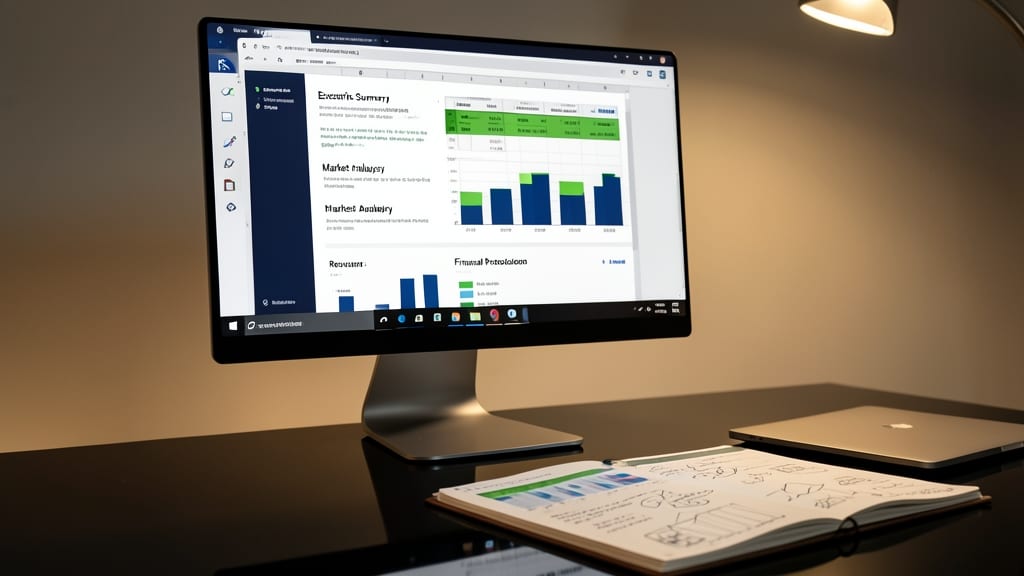
Want to turn your big ideas into a polished business plan that wows teachers—or future investors? A Business Plan Pitch Deck project lets you combine PowerPoint’s design tools with Excel’s financial modeling to create a sleek, professional presentation.
Start by structuring your deck with 10-15 slides covering key sections like executive summary, market analysis, and financial projections. Use Excel embedded charts to visualize revenue forecasts, expense breakdowns, and growth metrics—no coding required. PowerPoint’s Morph transitions and icons keep it modern, while OneDrive integration makes sharing effortless for group projects.
Perfect for students in entrepreneurship, business, or finance classes, this project builds real-world skills in storytelling, data visualization, and professional design—skills that’ll impress teachers and future employers. ✨
Literary Analysis Book Trailer

Turn your love for books into a cinematic masterpiece with a PowerPoint book trailer—a project that blends literary analysis with multimedia storytelling. Instead of a traditional essay, you’ll craft a 30-60 second trailer that hooks viewers with key themes, quotes, and visuals from the book, just like a movie preview.
Use PowerPoint’s built-in video, audio, and transition tools to layer in clipart, embedded YouTube clips, and custom animations (like fading text or zooming images). Highlight symbolism, character arcs, or plot twists through creative design—think bold fonts for themes, side-by-side comparisons for conflicts, or even a fake "movie poster" slide as your closing. The Morph transition can smoothly shift between scenes, while the Record Slider adds voiceover narration for a polished touch.
This project is perfect for English students who want to stand out in class while flexing their design and storytelling muscles. Whether analyzing To Kill a Mockingbird’s justice themes or The Great Gatsby’s decadence, your trailer will make your analysis memorable—and fun. ✨
Personal Branding Portfolio
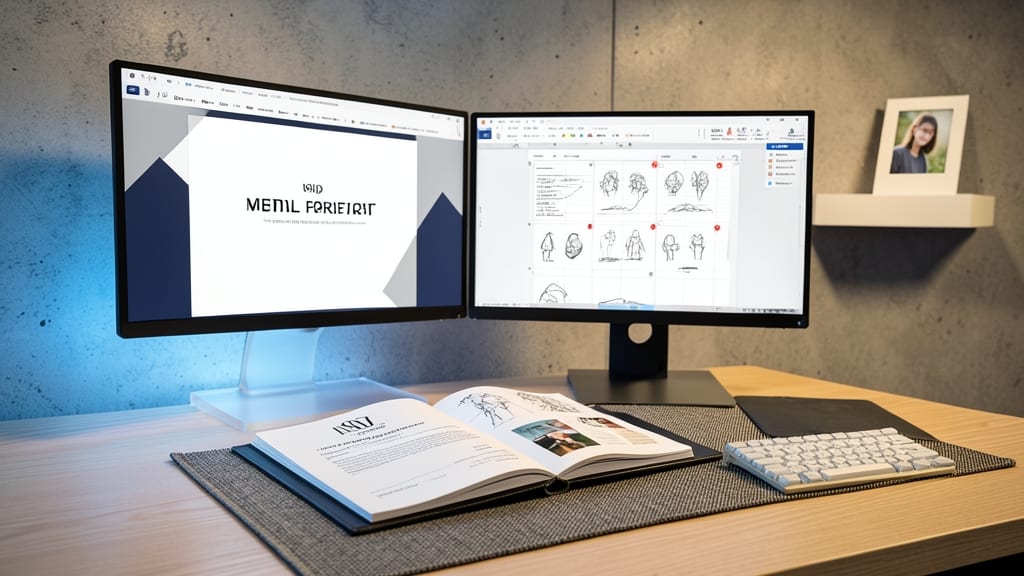
Stand out from the crowd by turning your creative work into a showcase-worthy portfolio—no fancy software required. Using PowerPoint and Word, you can design a sleek, professional portfolio that highlights your skills, whether you're into art, design, or future career paths.
Start with a Word document for your resume and project descriptions, then use PowerPoint’s design tools to create a visually striking presentation. Embed your Word content directly into slides, add high-quality images of your work, and use animations to guide viewers through your portfolio smoothly. The best part? You can save it as a PDF or share it digitally—perfect for college applications or job interviews.
This project is ideal for students in art, design, or career exploration classes who want to present their work professionally. It’s a great way to build confidence and showcase your talents beyond the classroom. ✨
Environmental Awareness Campaign

Turn your passion for sustainability into a PowerPoint campaign that educates and inspires. This project lets you design an eye-catching awareness campaign—complete with bold visuals, shocking statistics, and interactive call-to-action buttons—to highlight environmental issues like plastic pollution or renewable energy.
Use PowerPoint’s Morph transitions to animate data visuals, embed short video clips of nature or activism, and leverage hyperlinks to direct viewers to petitions or fact sheets. The built-in design themes make it easy to create a cohesive, professional look without needing graphic design skills. Add icons and infographics to break up text-heavy slides and keep your audience engaged.
Perfect for environmental science classes or students who want to advocate for change. This project isn’t just about grades—it’s about sparking real-world impact with a presentation that moves people to act. ✨
Math Problem Solving Tutorial
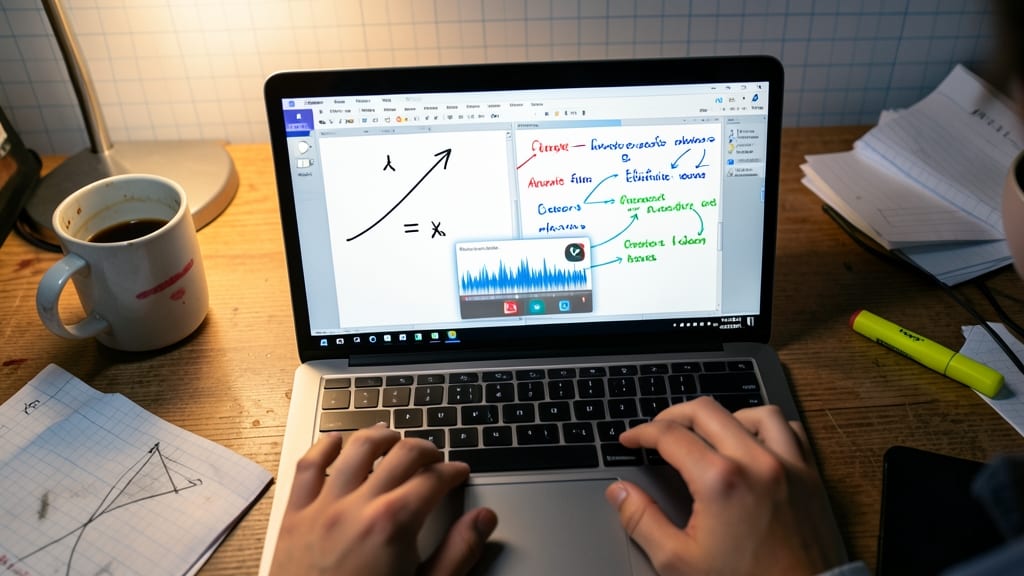
Struggling to explain quadratic equations or geometry proofs? PowerPoint’s annotation tools and drawing features turn abstract math into clear, interactive tutorials. Instead of static text, you can sketch step-by-step solutions, highlight key formulas, and even add voiceovers to walk through problems.
Start with the Shapes tool to draw flowcharts for problem-solving logic, then use ink annotations to handwrite equations—no sketchpad required. Embed short video clips of you solving a problem live, or add hyperlinks to related concepts. The Morph transition lets you animate solutions smoothly, making complex steps digestible.
This project shines for math tutors, STEM club members, or students prepping for advanced courses. Teachers love seeing creative applications of math—plus, you’ll master PowerPoint skills useful in college or future careers. ✨
Cultural Heritage Presentation
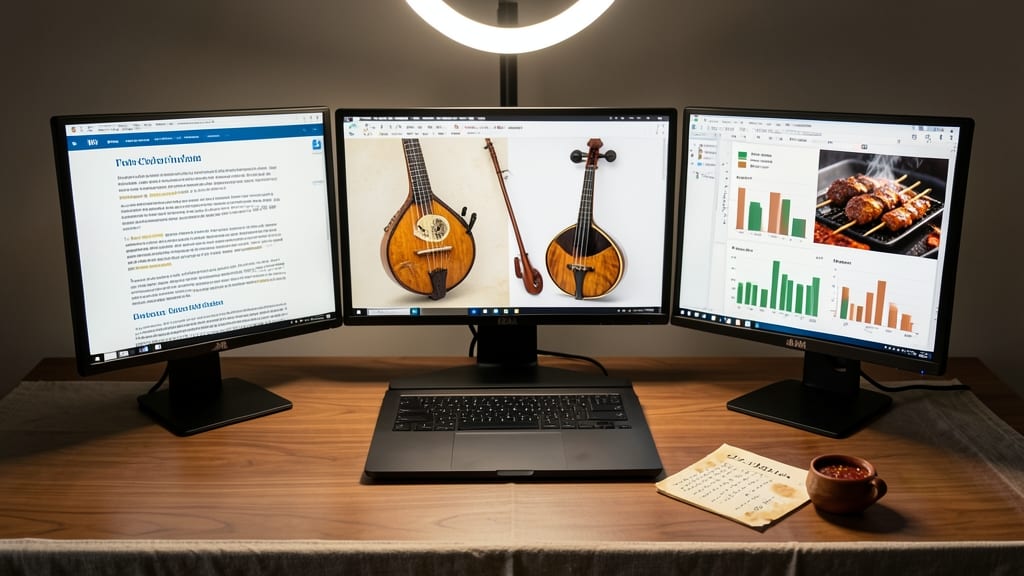
Bring cultural traditions to life with a multimedia presentation that blends PowerPoint’s storytelling with Word’s research and Excel’s data visualization. This project lets you showcase everything from traditional music to regional cuisine statistics in one polished package.
Start by using Word to compile research on your chosen culture—language, history, or customs—then import key stats into Excel for charts comparing traditions (like festival dates or population data). Link these to PowerPoint slides with embedded videos of dances or interviews, and use smart art to illustrate family structures or geographical maps. The Morph transition in PowerPoint can even animate clothing evolution across generations.
World language or social studies students will love how this project ties research to visual storytelling. It’s the perfect way to impress teachers while making global cultures feel personal and interactive. ✨
Tech Review Comparison Chart
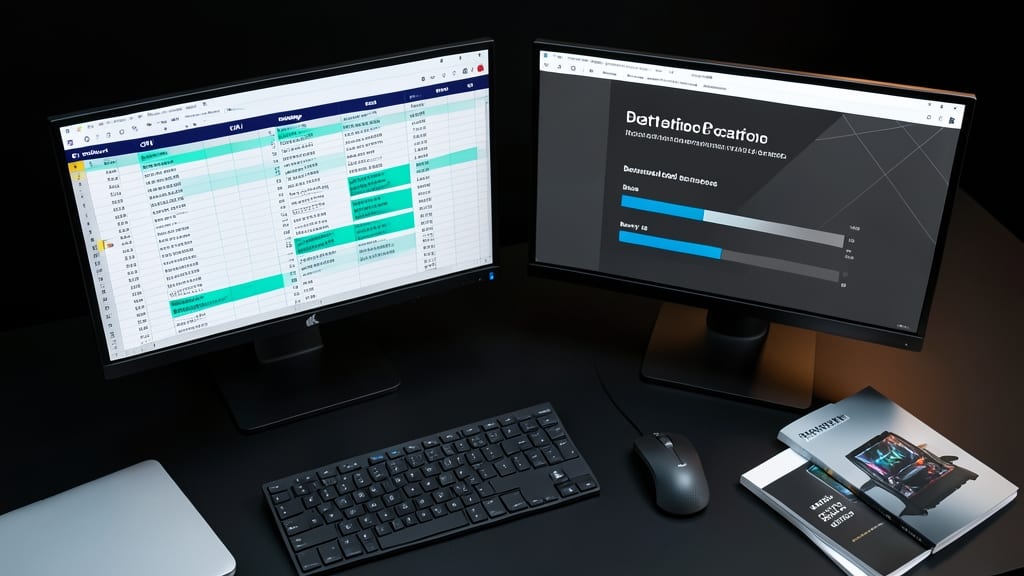
Ever wondered how tech reviewers break down specs for gadgets like laptops or phones? You can too—using PowerPoint and Excel to create a professional comparison chart that highlights key differences, pricing, and performance metrics.
Start by listing products in Excel with columns for specs like CPU, RAM, storage, and battery life. Then, use PowerPoint’s SmartArt to visualize data—think bar charts for performance or pie charts for pricing comparisons. Add screenshots of each device and include a rating system (1-5 stars) for usability. For extra flair, embed a short video review clip from YouTube directly into your slides.
This project is perfect for computer science students or tech enthusiasts who want to practice data analysis and presentation skills. It’s also a great way to impress teachers with a polished, data-driven review. ✨
Classroom Management Plan
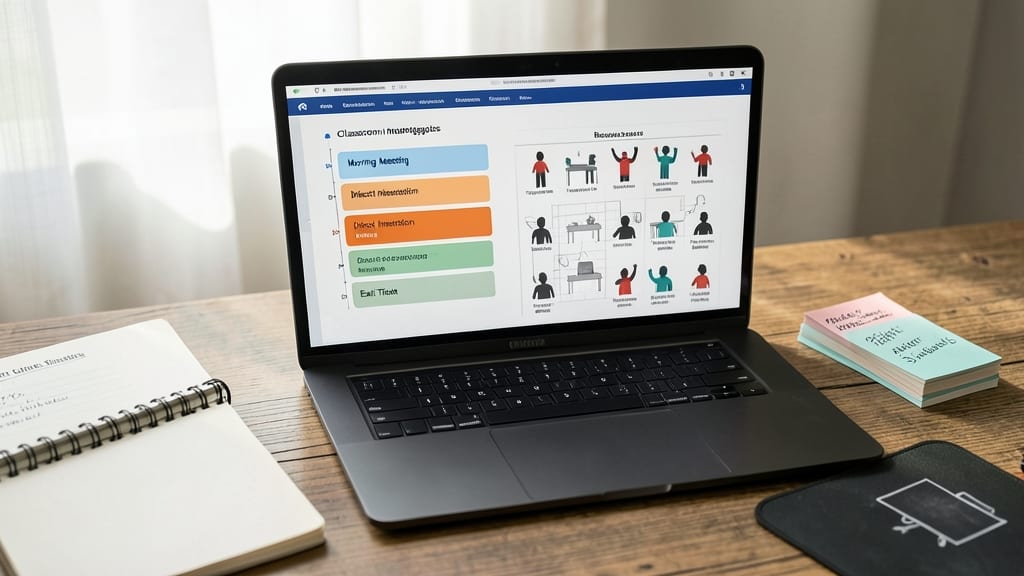
Future educators, this is your chance to test-drive teaching strategies without the classroom chaos. A mock classroom management plan in PowerPoint lets you design lesson layouts, behavior systems, and engagement techniques—all while practicing real-world educator skills that impress psychology or education teachers.
Start with a slide deck template featuring sections like seating charts (use PowerPoint’s shapes tool for classroom layouts), discipline strategies (embed a flowchart for consequences), and daily schedules (add timeline animations). Use OneDrive integration to collaborate with peers for feedback, and include a mock parent communication slide to showcase professionalism. The Morph transition can smoothly animate rule explanations between slides.
This project is perfect for students in education courses or psychology classes studying behavioral theories. It’s the ideal way to explore teaching methodologies while building a standout portfolio for future teacher training programs. ✨