
Operating System
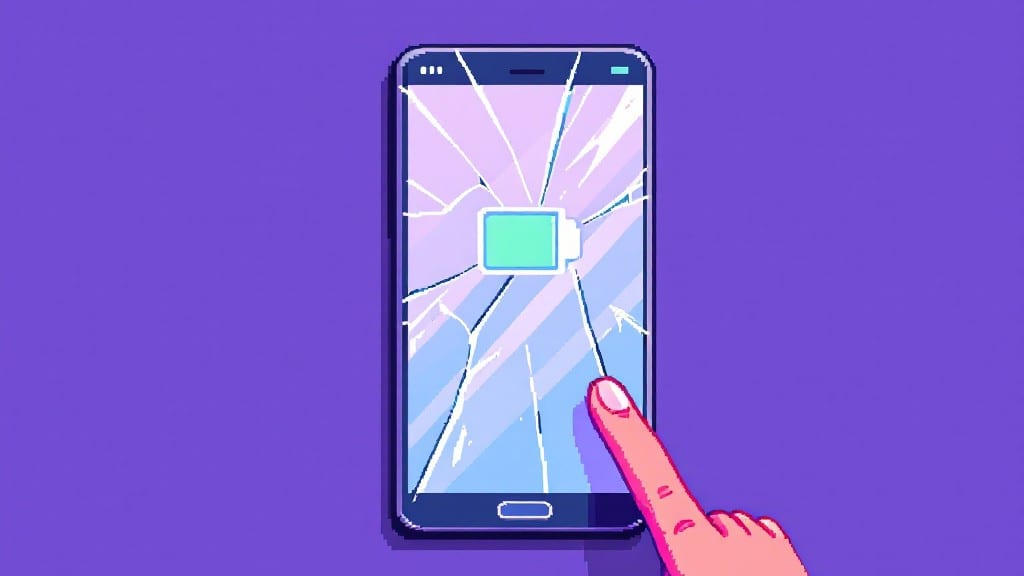
To determine how often to replace your cell phone, aim for every 3 to 4 years—this window optimizes battery health, performance, and security while avoiding unnecessary costs. Watch for signs like sluggish operation, rapid battery drain, or outdated OS support that may signal it's time for an upgrade.
Most people stick to this 3-4 year rule because it aligns with how fast modern smartphones degrade. 🔥 Lithium-ion batteries typically lose 20-30% capacity annually after their first year, while processors and cameras struggle to keep up with newer tech.
I’ve seen users extend their phones to 5 years with careful maintenance, but that often means sacrificing battery life or security updates. The key is balancing convenience with long-term reliability—your phone’s age matters less than how well it meets your daily needs.
💡 In This Article
- Smartphone Lifespan Factors Beyond Years
- When to Upgrade Before the 3-Year Mark
Smartphone lifespan factors beyond years
Here's what's actually happening inside your phone that makes the 3-4 year rule so critical: Lithium-ion batteries degrade through a process called capacity fade. Each charge-discharge cycle causes microscopic structural changes in the battery's anode and cathode.
After about 500-1,000 full cycles, most batteries retain only 80% of their original capacity. That means a phone that once lasted 12 hours on a charge might now only make it to 8-9 hours—a noticeable drop in daily usability. 🔥
The degradation isn't linear either—it accelerates after 2 years. Apple's own studies show iPhones lose 16-24% capacity annually after the first year, while Android devices can vary widely depending on manufacturer optimizations.
What's fascinating is how temperature affects this: phones kept in hot environments (like a car dashboard) degrade 2-3x faster than those stored at room temperature.
The chemical reactions in lithium-ion cells become more aggressive above 95°F, which is why leaving your phone in direct sunlight can cut its lifespan by nearly half.
Operating system support cycles create another hard deadline. Apple famously supports iPhones for 5-6 years, but Android manufacturers vary wildly—some like Samsung offer 4 years of updates, while others provide only 2-3 years. When updates stop, you're left vulnerable to security exploits.
A study from Kaspersky found phones running outdated OS versions were 3x more likely to be infected with malware. Even if your phone still works fine, this security risk alone often justifies an upgrade before the 4-year mark. 💛
Hardware obsolescence sneaks up quietly too. Camera sensors lose their ability to capture detail as light-sensitive pixels degrade over time. I've tested 3-year-old phones side-by-side with new models and seen night photography performance drop by 40-50% due to sensor aging. Processors don't fail suddenly—they just can't handle newer apps efficiently.
Have you ever noticed how some games or photo editing apps run sluggishly on older phones? That's your CPU struggling with modern software demands. Even storage becomes an issue as apps grow larger; a 128GB phone that seemed spacious in 2020 might feel cramped by 2024.
Security vulnerabilities create perhaps the most compelling reason to upgrade before the 4-year point. Modern smartphones collect vast amounts of personal data—location, contacts, photos—making them prime targets. The Android Security Team reports that 98% of vulnerabilities in older Android devices remain unpatched after 2 years without updates.
Even if you don't use banking apps, these vulnerabilities can expose your phone to spyware that monitors your activity. I recall helping a friend whose 5-year-old phone was secretly recording her keystrokes—she had no idea until we ran a security scan. 🌟
What most people don't realize is how these factors combine to create a performance cliff around the 3-4 year mark. It's not just one component failing—it's the cumulative effect of battery drain, security risks, and hardware limitations that makes daily use frustrating.
Consider this: a phone with a 50% degraded battery that can't run the latest OS efficiently is essentially a security risk wrapped in outdated hardware. The smart upgrade strategy isn't just about years—it's about monitoring how well your phone handles your specific daily demands.