Software
Microsoft Teams isn’t just for businesses—it’s transforming classrooms worldwide. Discover how educators leverage this powerful tool to enhance collaboration, streamline communication, and create dynamic learning experiences for students of all ages.
Seamless Classroom Communication Platform
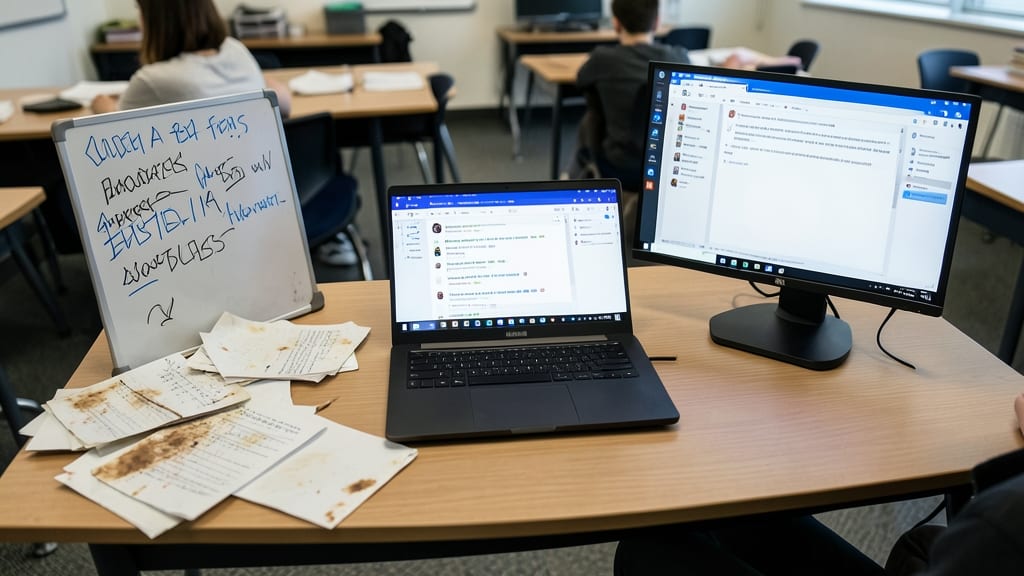
Tired of chasing down missed emails or deciphering scribbled paper notes? Microsoft Teams’ classroom communication platform consolidates everything—announcements, reminders, and real-time chats—into one searchable, organized hub. No more digging through inboxes or losing track of deadlines; teachers post updates once, and students receive them instantly via push notifications or the persistent activity feed. The @mentions feature ensures critical messages cut through the noise, while read receipts confirm students have seen important updates.
For hybrid or remote classes, the integrated calendar syncs with Outlook, so students never miss a live session or assignment due date. Threaded discussions keep conversations tidy, and pinned posts highlight key resources—like syllabi or project guidelines—so they’re always visible. With cross-platform access, students and teachers stay connected whether they’re on a school Chromebook or a parent’s smartphone.
This is the go-to solution for busy educators juggling multiple classes or subjects, and for students who thrive with clear, structured communication. Say goodbye to the chaos of scattered notes—Teams keeps everyone on the same page, literally. 💻
Real-Time Video Collaboration Tools
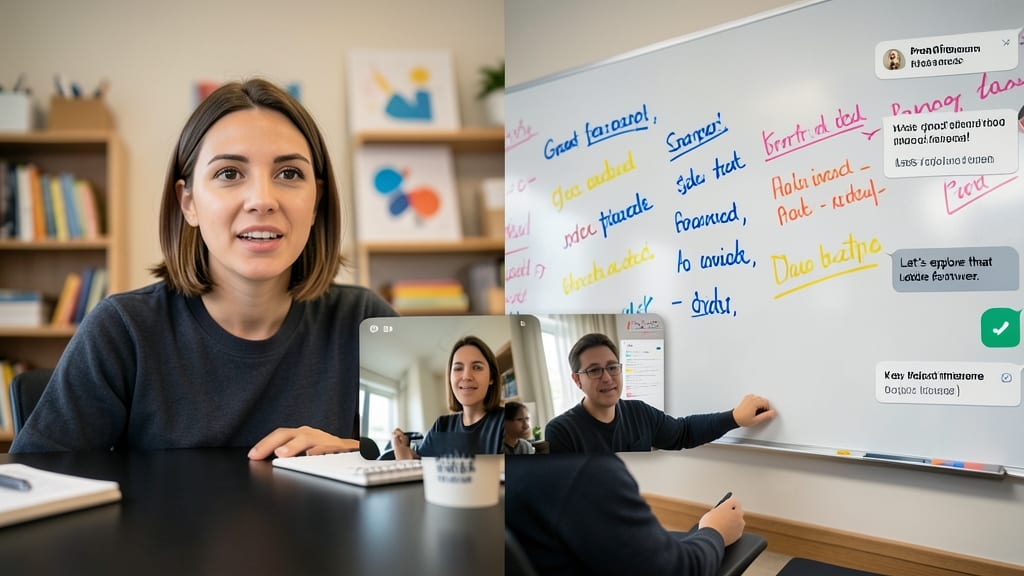
Turn passive lectures into dynamic discussions with Microsoft Teams’ real-time video collaboration tools, designed to mimic the energy of a physical classroom—without the commute. The platform’s HD video and audio support ensures crystal-clear interactions, while features like virtual whiteboards and screen sharing let teachers annotate lessons in real time, just as they would on a chalkboard.
Breakout rooms let instructors split students into smaller groups for collaborative projects or debates, complete with timed sessions and easy rejoining. The integrated polling tool engages students mid-lecture, while live captions (in over 40 languages) make lessons accessible to every learner. With up to 1,000 participants in a single meeting, Teams scales effortlessly for large lectures or district-wide professional development.
This is the secret weapon for hybrid educators—whether you’re teaching in-person, remotely, or a mix of both. Students stay engaged, participation soars, and the classroom feels alive, no matter where learning happens. ✨
Integrated File Sharing and Storage
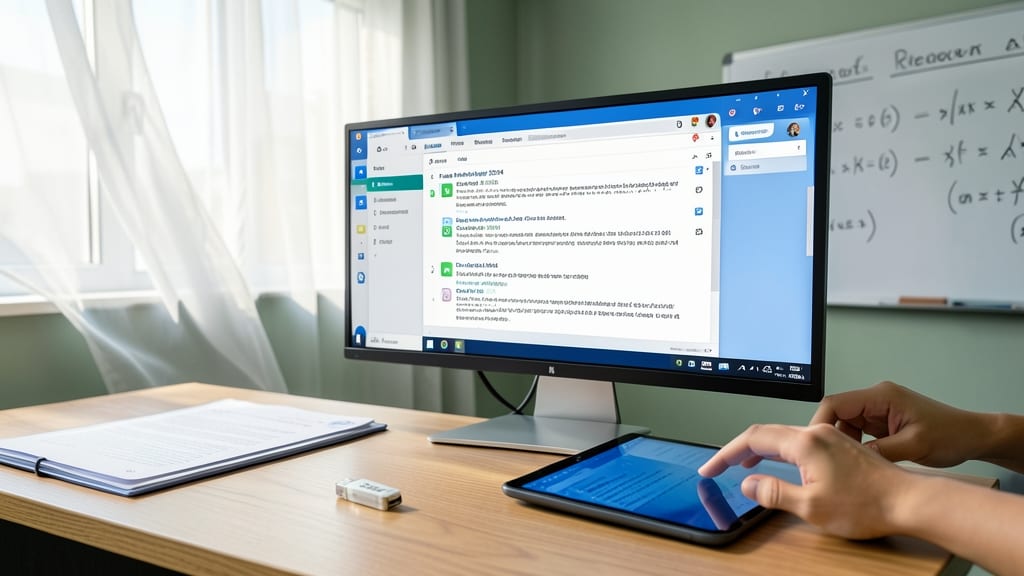
Say goodbye to the chaos of lost USB drives and mismatched file versions—Microsoft Teams embeds OneDrive and SharePoint storage directly into every classroom channel. This means group projects, research papers, and even creative portfolios live in one secure, version-controlled hub where every student sees the latest updates instantly.
With real-time co-authoring, multiple students can edit a document together—whether it’s a science lab report or a history presentation—while teachers provide feedback via comments without leaving the platform. The integration with Microsoft Office apps (Word, Excel, PowerPoint) ensures compatibility, and permissions settings keep files organized by class or project. No more "Where’s the final draft?" emails—just a single source of truth. 💻
Customizable Classroom Channels
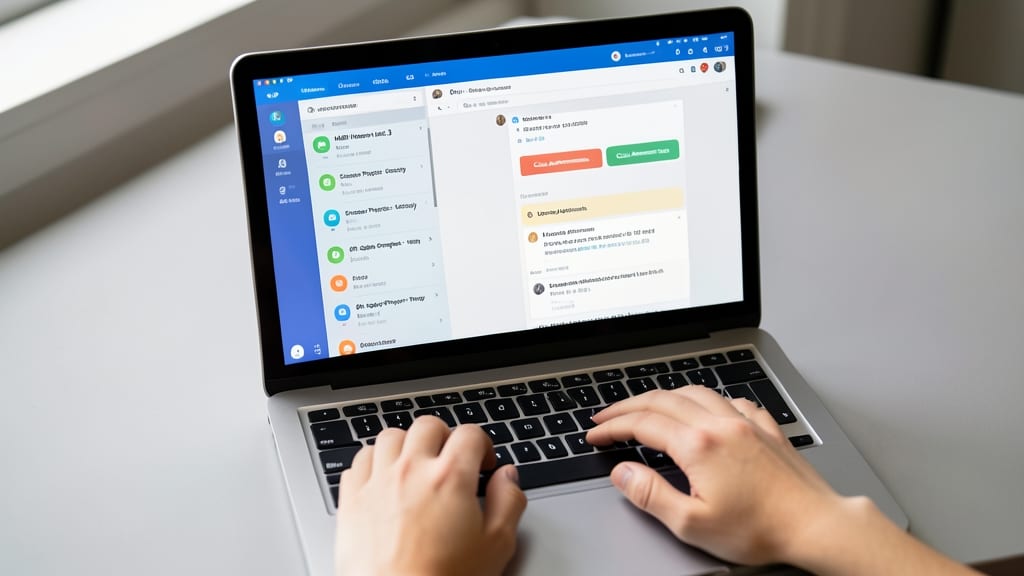
Ever felt like your students are drowning in a sea of notifications from every app and platform? Microsoft Teams solves that with customizable classroom channels—think of them as digital bulletin boards tailored to each subject, grade, or project.
Teachers can create channels for math homework, science experiments, or group projects, keeping all related files, links, and discussions in one spot. Students join only the channels relevant to them, reducing clutter and focus distractions. The tabbed interface lets you pin frequently used channels at the top, while permissions ensure only authorized members access sensitive materials.
This feature is a game-changer for middle and high school teachers managing multiple classes or subjects, as well as project-based learning where collaboration spans weeks. No more lost assignments or overwhelming inboxes! ✨
Built-In Assessment and Quiz Features
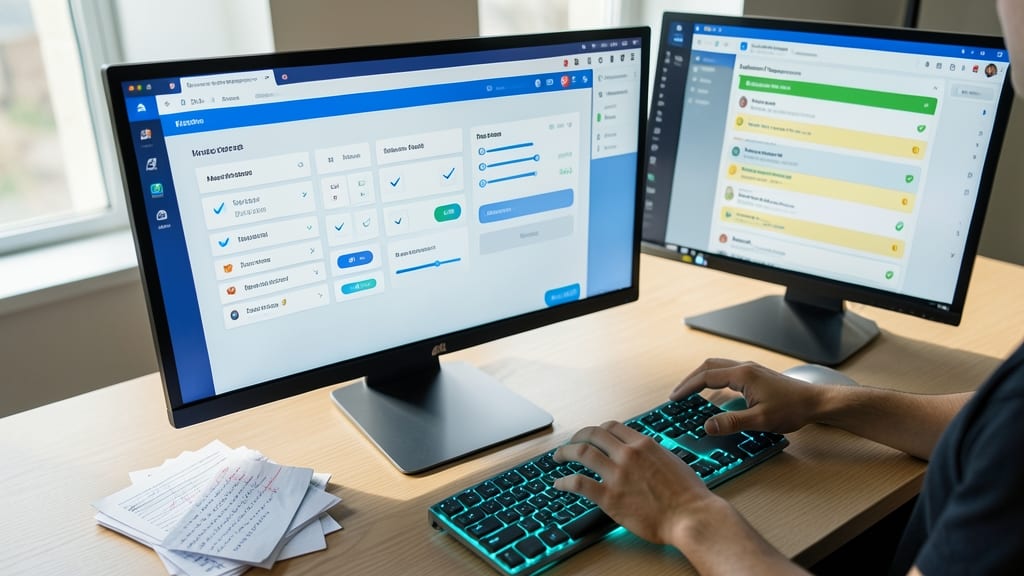
Tired of spending weekends grading quizzes by hand? Microsoft Teams’ built-in quiz tools let you create, assign, and grade assessments—all within the same platform where students learn.
With customizable question types (multiple-choice, true/false, short answer), automatic grading, and real-time feedback, you can instantly see student progress. The Teams for Education version even includes analytics dashboards to track class-wide performance, helping you identify gaps before they become problems.
This feature is a game-changer for busy teachers and formative assessments, cutting grading time by up to 70% while keeping students engaged. ✨
Parent-Teacher Collaboration Hub
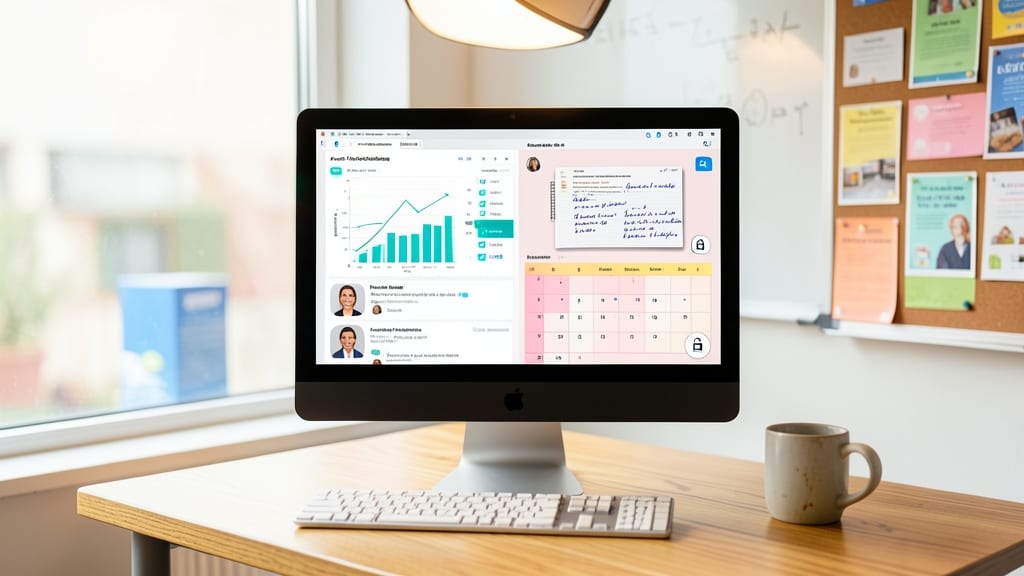
Frustrated by missed parent-teacher conference notes or unclear assignment updates? Microsoft Teams solves this with a dedicated Parent-Teacher Collaboration Hub—a secure space where guardians get real-time updates, view student progress, and message educators directly.
Schools create private channels for each class, letting teachers post announcements, share assignments, and even embed grades from tools like Microsoft Forms. Parents can reply to messages, join class discussions (with admin approval), and access resources like syllabi—all without juggling separate apps or emails. The mobile-friendly interface ensures busy parents stay connected from their phones.
This feature is a game-changer for elementary schools where parents need quick updates, or high schools with complex course schedules. It turns passive communication into an active partnership—without adding workload for teachers. ✨
Accessibility Tools for Inclusive Learning
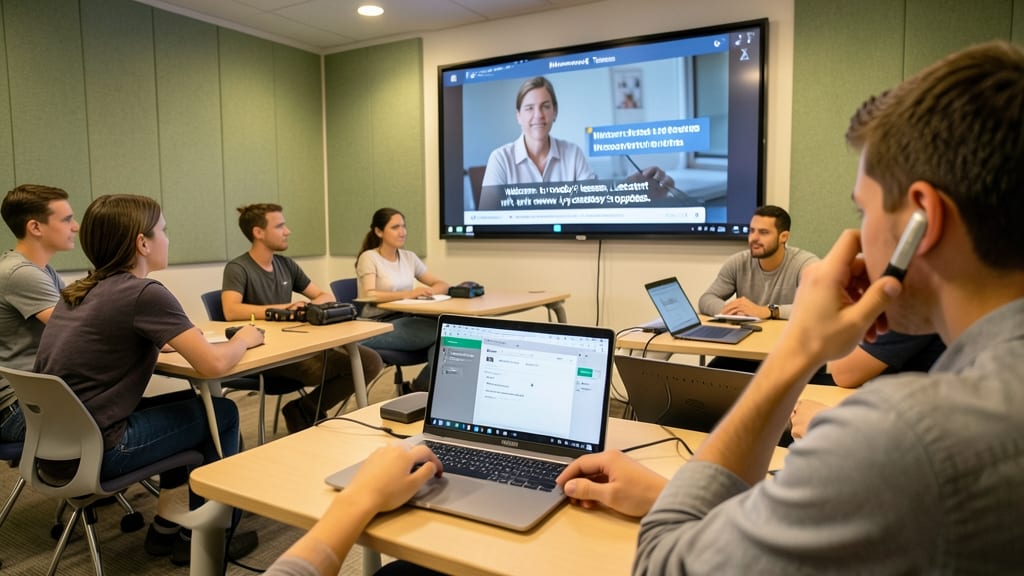
Every student deserves to fully engage in class—but technical barriers shouldn’t stand in the way. Microsoft Teams removes those obstacles with built-in accessibility tools designed to support diverse learning needs, from real-time captions to screen reader compatibility.
During live lessons, live captions automatically generate subtitles in over 40 languages, helping students with hearing impairments or those learning English as a second language. The platform integrates seamlessly with screen readers like JAWS and NVDA, ensuring visually impaired students navigate Teams with ease. For multilingual classrooms, translation features let teachers share content in multiple languages while maintaining a single discussion thread.
These tools aren’t just helpful—they’re transformative for students with disabilities, ESL learners, and educators teaching diverse groups. With minimal setup, Teams creates an inclusive environment where every voice is heard. ✨
Virtual Office Hours for Teacher-Student Support
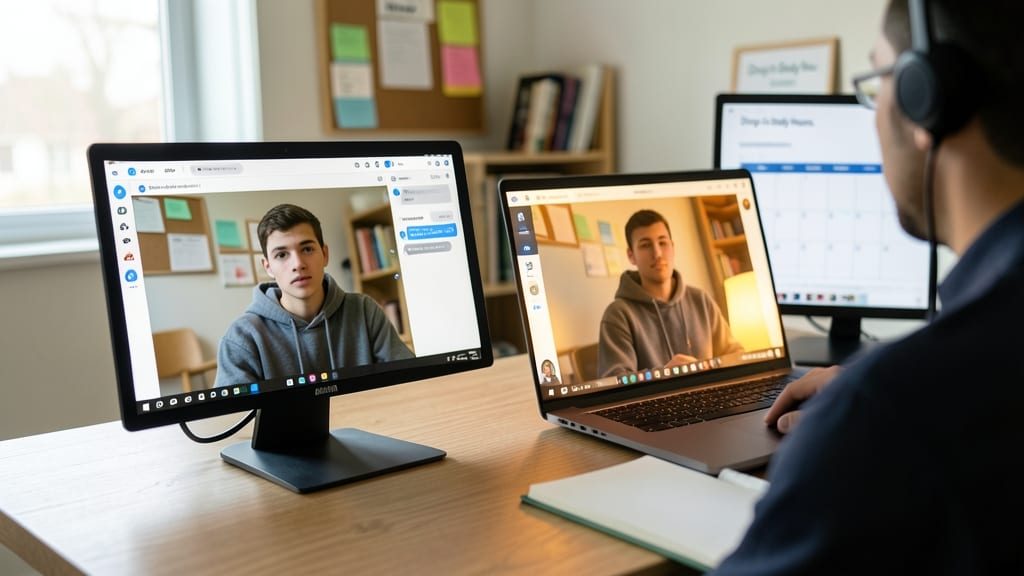
Struggling with after-school study sessions that require students to physically meet? Virtual office hours in Teams turn extra help into a flexible, no-travel-required experience for both teachers and students.
With scheduled or drop-in sessions, educators can host live Q&A in dedicated channels or use the Teams Meetings app for one-on-one support. The calendar integration lets students book slots in advance, while the waiting room feature ensures only approved participants join—ideal for maintaining focus during study hours. No need for complex scheduling apps; everything stays within the familiar Teams interface.
Perfect for high school students needing homework help or college learners tackling complex assignments, virtual office hours eliminate the logistical hurdles of in-person meetings while keeping support consistent and accessible. ✨
Cross-Platform Compatibility for Any Device
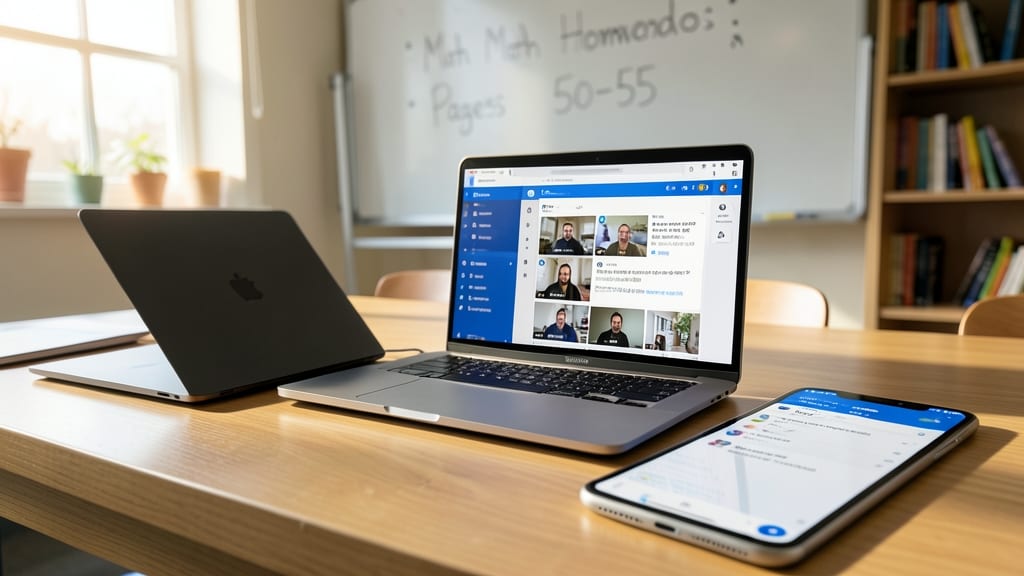
No more device drama—Microsoft Teams works seamlessly across Windows, Mac, iOS, and Android, meaning students can jump from a school-issued Chromebook to their parent’s tablet without missing a beat. Whether it’s a last-minute assignment submission from a phone or a group project edited on a MacBook, the platform syncs effortlessly.
The app’s unified interface ensures teachers don’t need to explain different versions to students. Features like real-time chat, file sharing, and video calls load identically whether accessed via desktop or mobile, eliminating compatibility headaches. Plus, offline mode lets students review materials or draft responses without an internet connection.
This flexibility is a game-changer for districts with mixed devices—no need to standardize hardware. Teachers and students stay productive no matter what device they’re using. ✨
Security and Privacy Controls for Schools
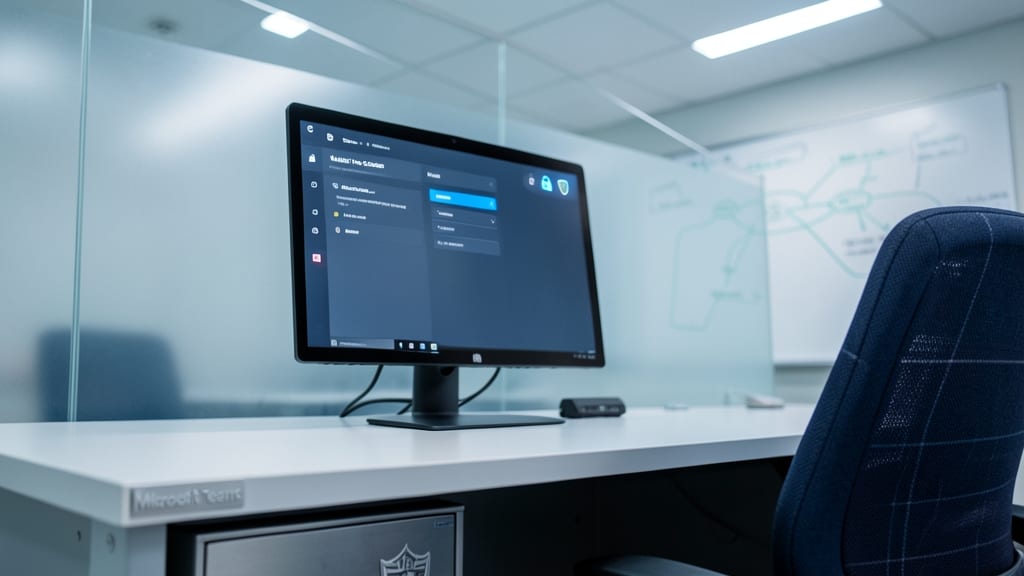
Worried about student data security in a digital classroom? Microsoft Teams for Education includes enterprise-grade encryption and role-based access controls, ensuring only authorized users can view sensitive information—like grades or family contact details.
With built-in compliance tools, schools automatically meet FERPA (student privacy) and COPPA (child data protection) regulations, eliminating manual audits. Features like data loss prevention block accidental sharing of personal info, while admin dashboards let IT teams monitor activity across all devices.
This makes Teams ideal for districts prioritizing secure digital learning environments without sacrificing collaboration. 💻